 MacroUp
Snap your meal
Take a photo, scan a barcode, or describe what you ate.
Snap your meal. Check calories and macros. Build habits that fit the way you live.
For iPhone · iOS 17 or later
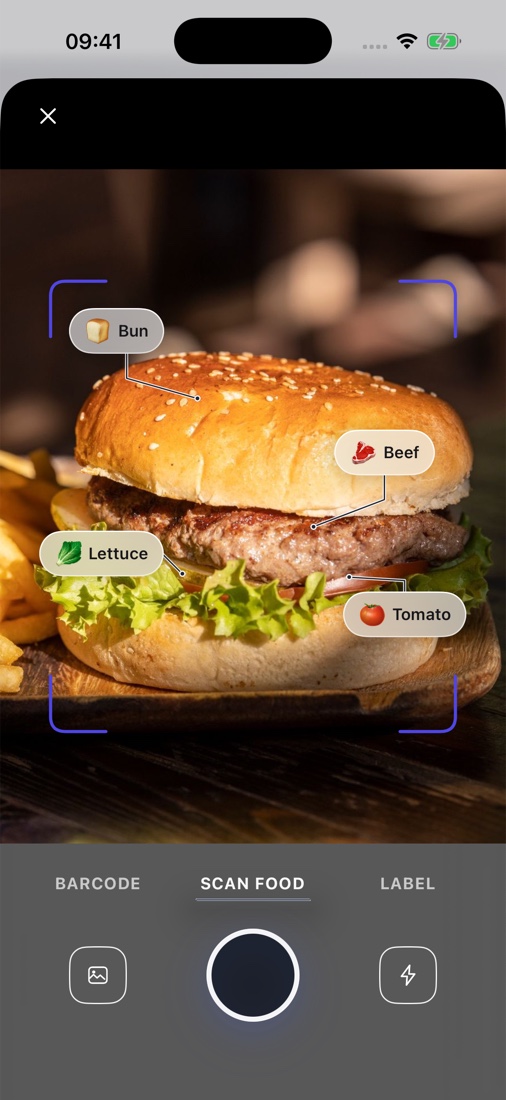
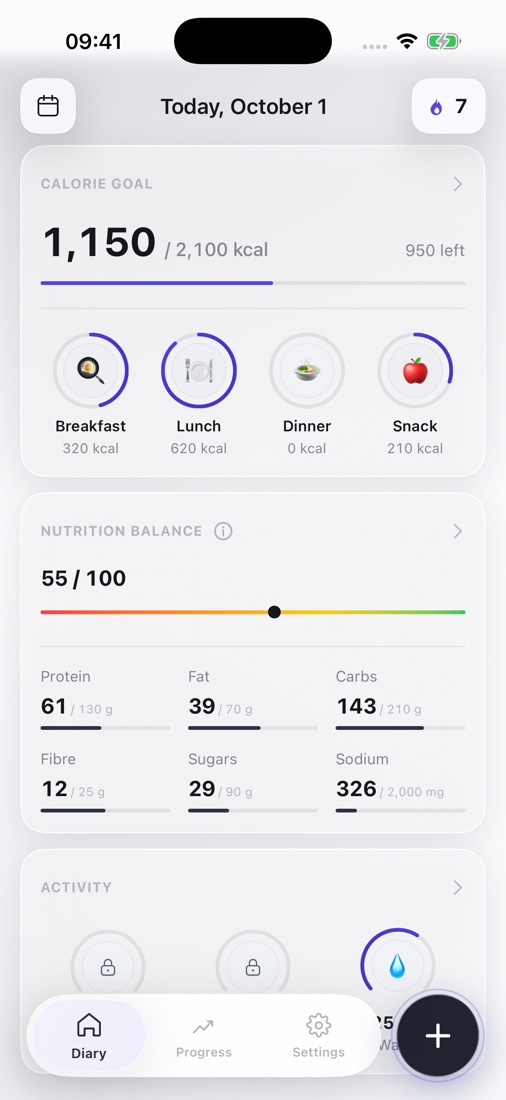
Actual app screens. Data shown is for illustration.
From your first photo to a clearer picture of your day. All in one app.
Take a photo, scan a barcode, or describe what you ate.
Review the ingredients, portion, and estimated nutrients. Adjust anything that needs it.
Calories and macros add up to a picture of your day. Your entries help you see your habits.
AI helps identify food and estimate portions. You check the result and choose what to save.
Protein, fat, and carbs alongside your daily goals. Less guessing, more understanding.
Illustrative entry. Photo estimates and diary values may differ.
Keep calories and macros within reach, right on your Home Screen.
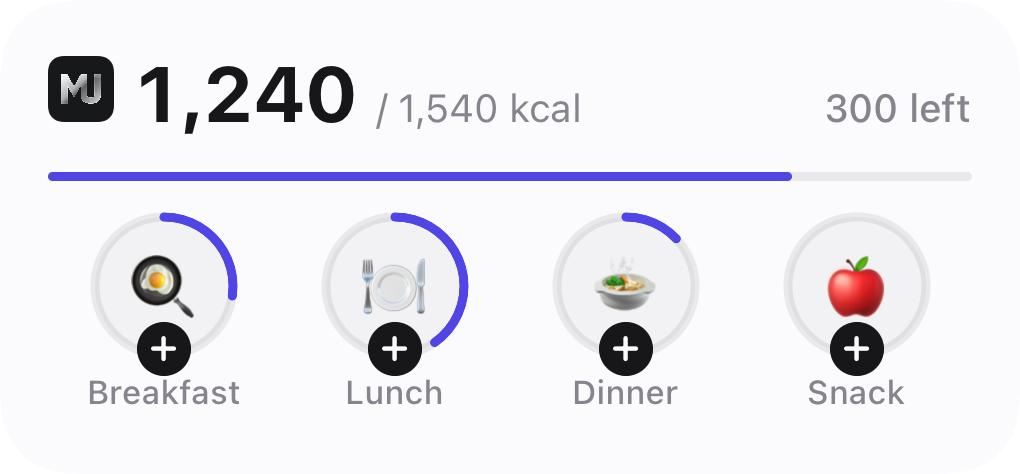
Keep the essentials close: what you ate today and how your numbers change over time.
App screens with illustrative data.
Your core food entries are stored locally. Cloud features and analytics are explained separately in the privacy policy.
How data is handledUse a photo, dictation, a barcode, or a manual entry.
Recognition helps with logging. You can edit the result.
Manage your diary and remove saved data in the app.
AI helps identify food and estimate portion sizes, then the app displays approximate nutrients. A photo cannot reveal exact weight, oil, or every ingredient. Check the result before saving it.
Yes. MacroUp includes barcode scanning, dictation, food catalogue search, and manual entry. You can adjust portions and nutrient values.
You can keep a diary and track calories, macros, and weight against your chosen goals. MacroUp does not guarantee weight changes or replace individual advice from a qualified healthcare or nutrition professional.
MacroUp is being developed for iPhone with iOS 17 or later, with distribution through the App Store. Food recognition and some cloud features require an internet connection.
Available plans, prices, periods, and trial terms will be shown in the app before you confirm a purchase. Purchases are handled through the App Store. If you subscribe, you can cancel through your Apple settings.
Your core diary is stored on your device. Cloud photo and text analysis sends data to processing services; analytics may also process technical events. The privacy policy describes recipients, handling, and deletion.
We’re getting MacroUp ready for iPhone. A direct download link will appear here when it launches.
SupportFor iPhone · iOS 17 or later